Docs · Clients and scheduling
Clients and schedulingAdd a client
A new enquiry used to mean a spreadsheet row, a folder and a calendar contact. Here it is a name and an email.
Saves the setup shuffle for every new client
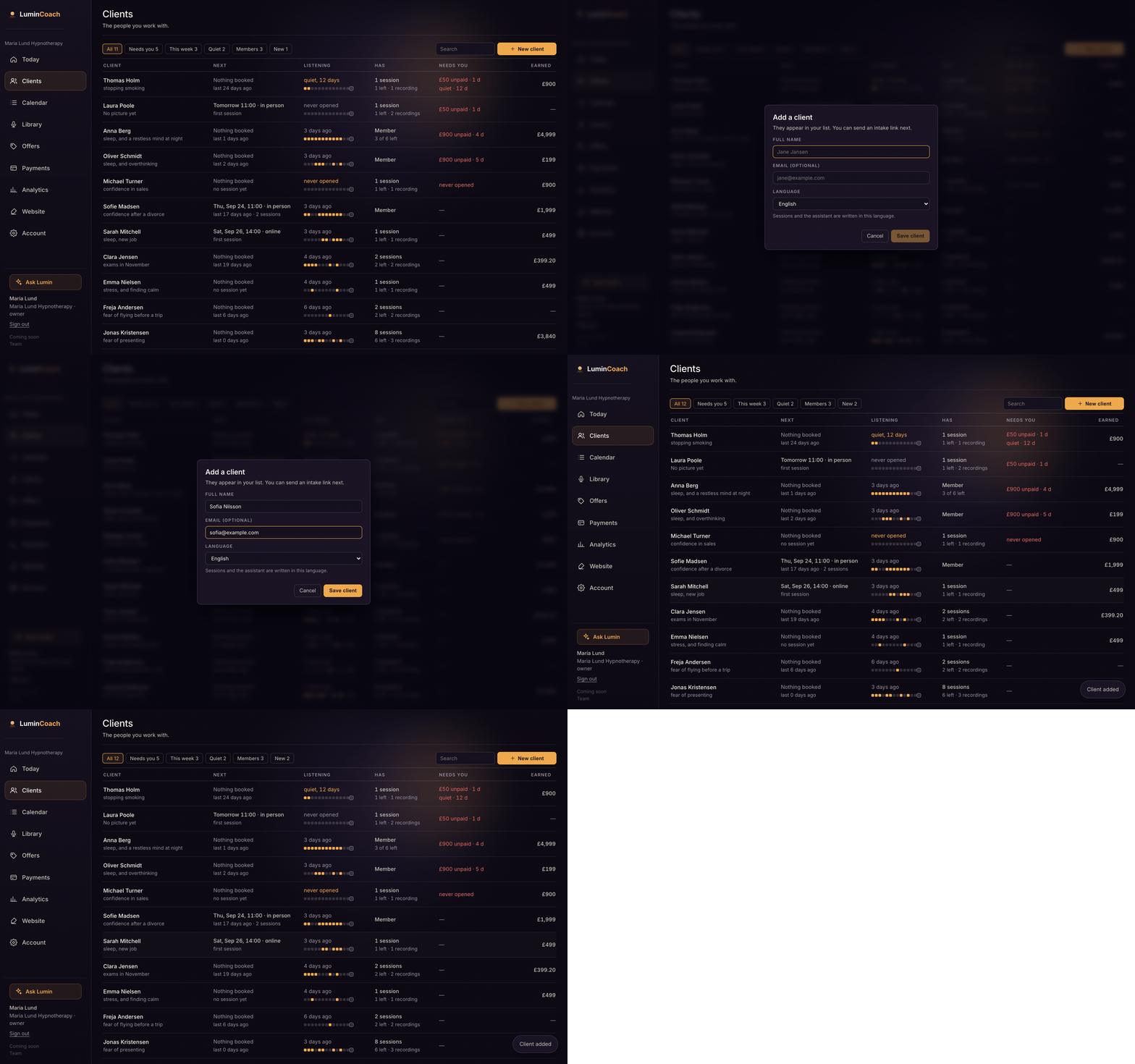
Add a client
- Open Clients and choose New client.
- Type their name. Email and language are optional; the language sets what their sessions and emails are written in.
- Save. They appear at the top of your list, ready for an intake link or a first session.
From a client's file you can then send an intake form, book a session, give or sell them something, or message them.