Docs · Selling
SellingSell on your website
No checkout to build. Make an offer and it shows on your site with a buy button.
Saves the checkout you never had to build, and the platform fees
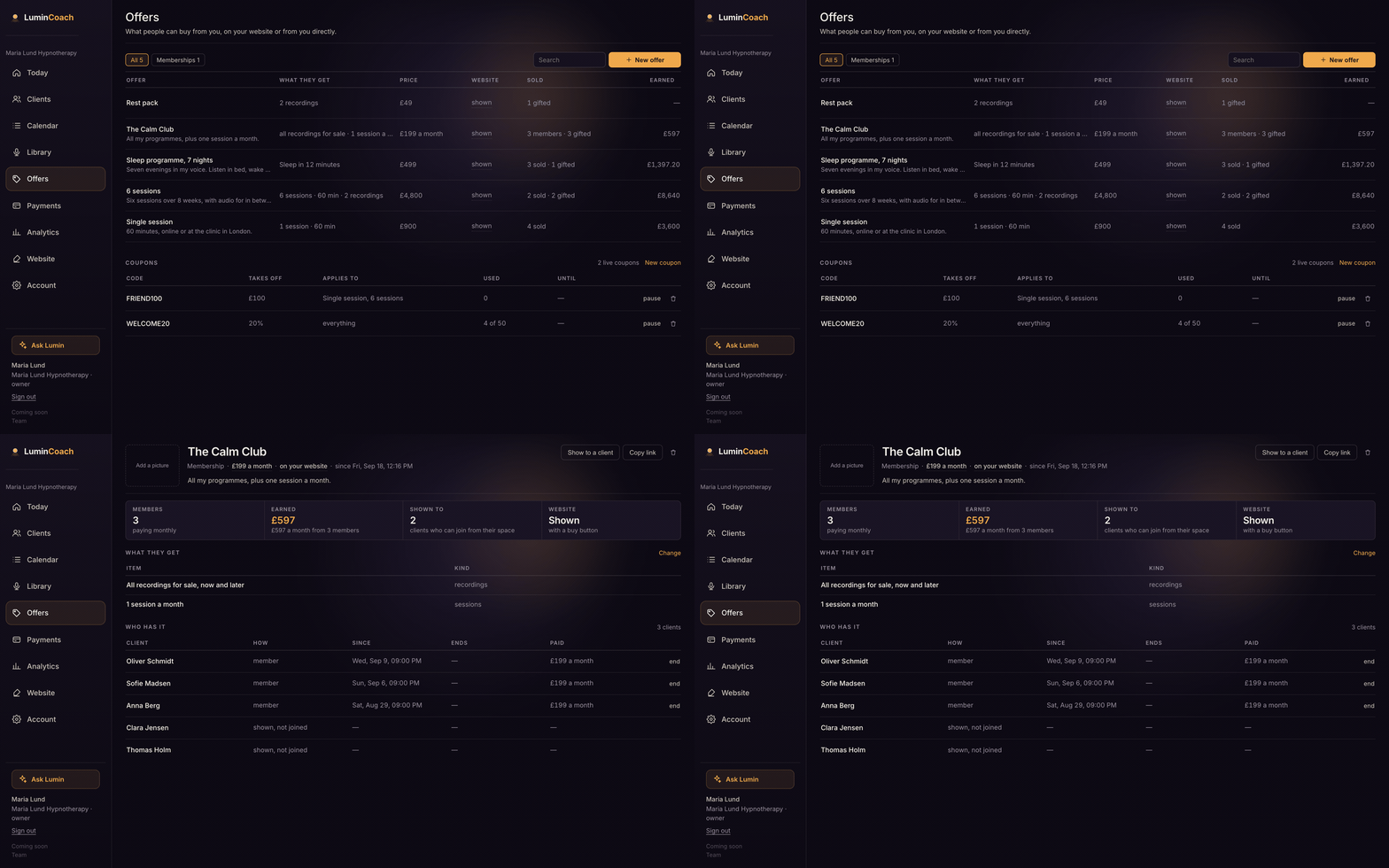
Make an offer
- Open Offers and choose New offer.
- Pick a type: a single session, a pack of sessions, recordings from your library, or a monthly membership.
- Name it, add a line and a price, and choose whether it shows on your website.
- Create it. It appears in the Offers section of your site with a buy button.
Coupons
Add a coupon under Offers for a percentage or amount off. Clients type the code on the pay page and the price changes on the spot. Set a limit and an expiry if you want.
To take real payments, connect Stripe under Payments. Until then, offers show on your site marked as coming soon. Clients pay into your own Stripe; LuminCoach takes no cut.