Docs · Selling
SellingSell straight to a client
Selling one-to-one is a click. No separate invoice, no chasing.
Saves the separate invoice and the chasing
Sell to a client
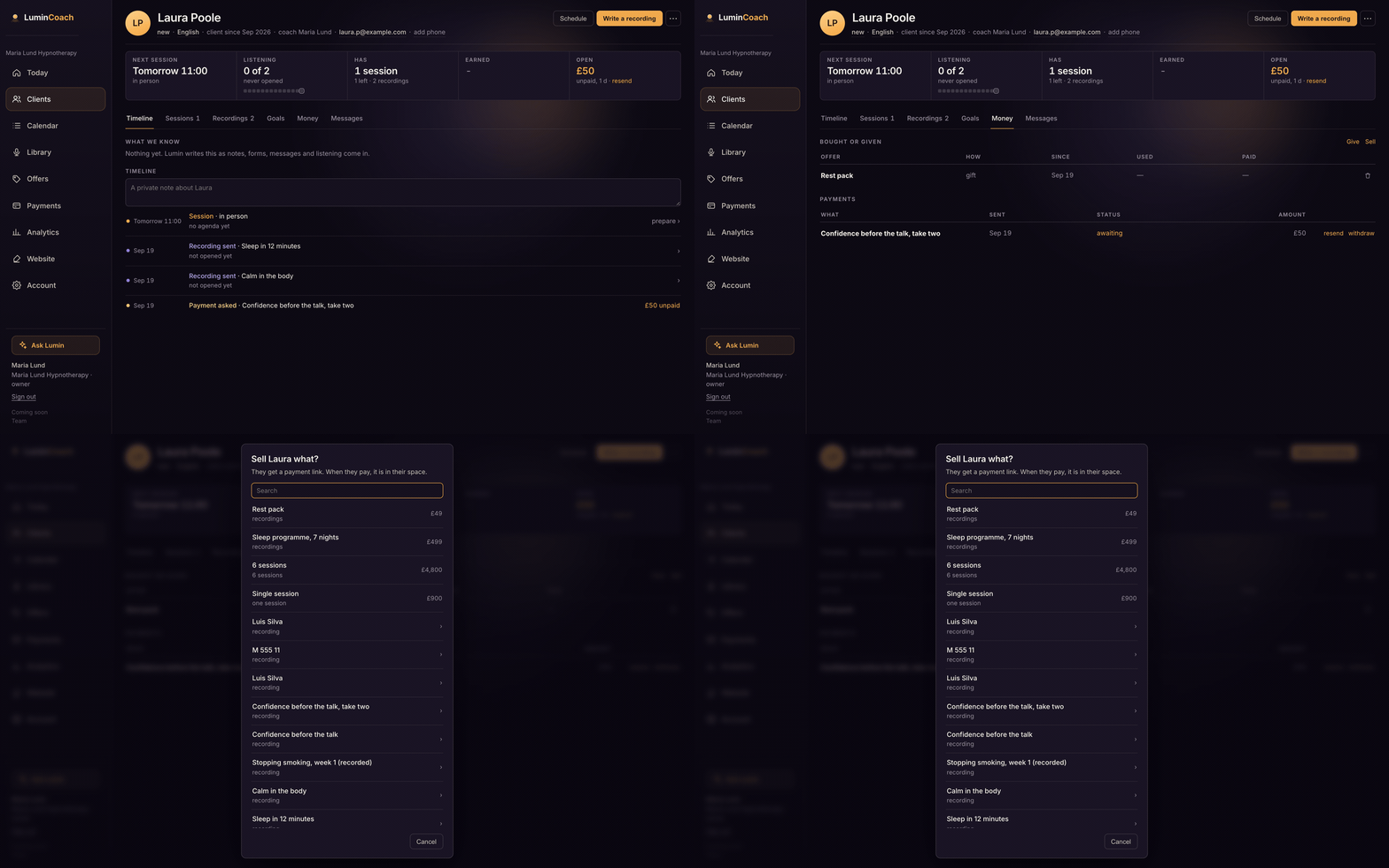
- Open the client's file and the Money tab.
- Choose Sell, then pick an offer or a recording, or name something and set any price.
- Send them the pay link. When they pay, what they bought is in their space, and it shows as paid in the file.
Give instead of sell
Choose Give to hand a recording or an offer over for free. It appears in the client's space at no charge. Every give has a take-back.