Docs · Clients and scheduling
Clients and schedulingThe client file
One place per client, so their whole story is in front of you, and it keeps itself current.
Saves the re-reading before every session
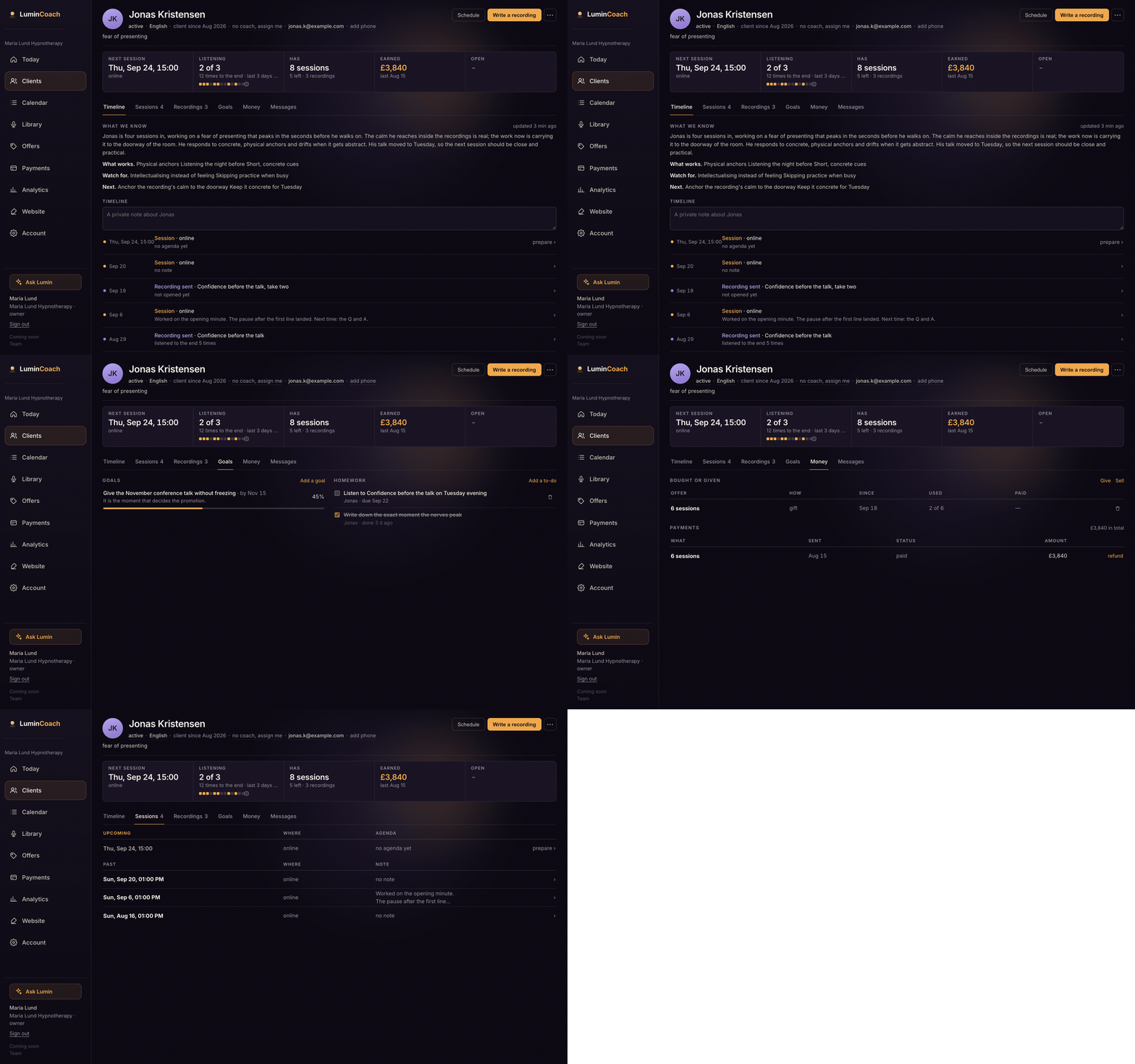
What is in a client file
Open any client to see a stats strip (next session, listening, what they have, earned, what is open) and tabs for Timeline, Sessions, Recordings, Goals, Money and Messages. Edit their details in place: email, phone, language, assigned coach.
It keeps itself current
As notes, forms, messages and listening come in, the assistant keeps a short What we know summary and a focus line, so before a session you glance instead of re-reading months of history.
From the file you can
- Book a session or send a recording.
- Give something for free, or sell it and send a pay link.
- Write a private note, set a goal, or send an intake form.
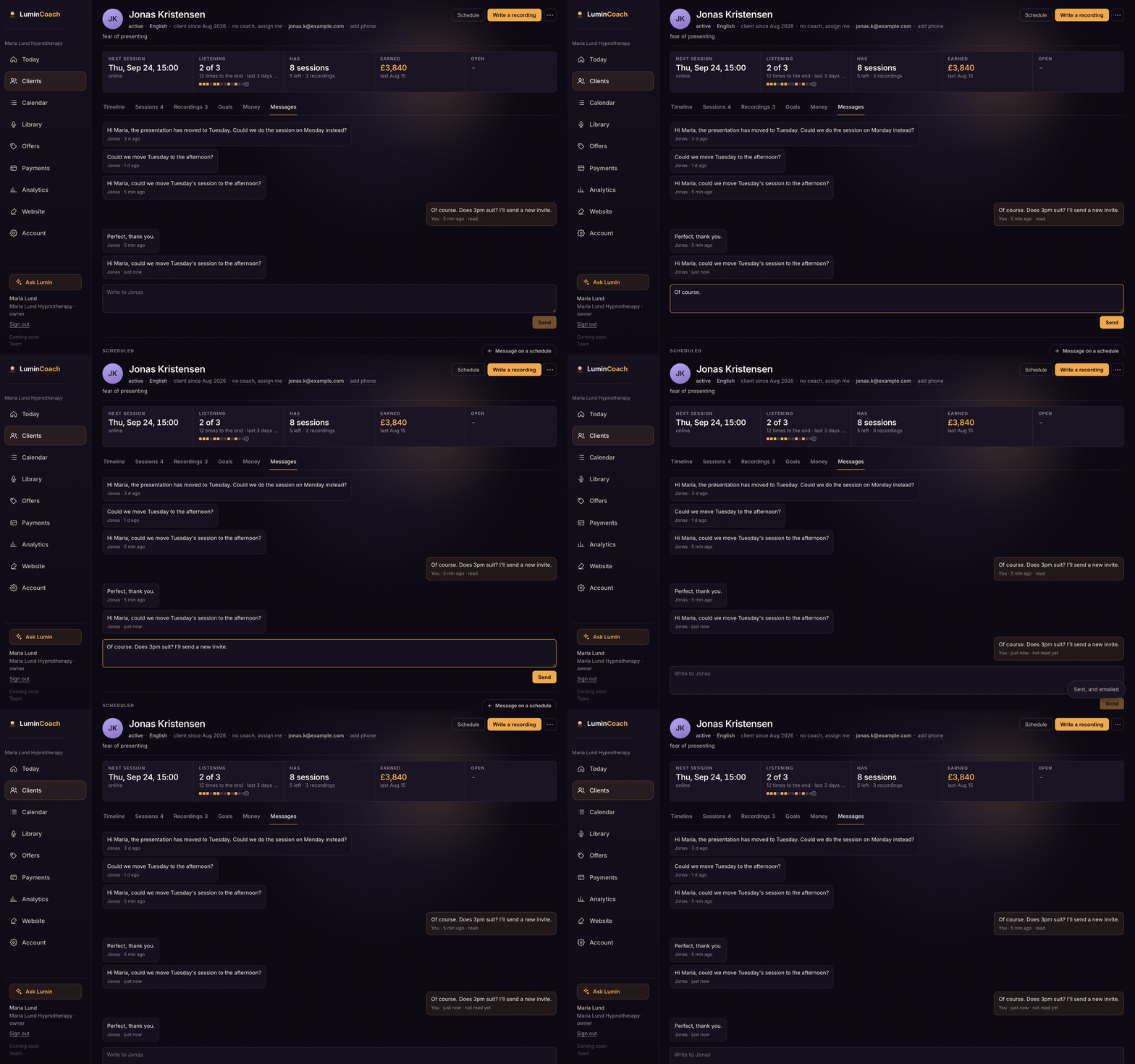
- Message the client; they read it in their space and get an email.
Message them from here
Reply in the Messages tab. Your client reads it in their space and gets an email in their language, and their replies come back here. No separate inbox.