Docs · Sessions and recordings
Sessions and recordingsYour library
The same sleep induction, re-recorded for every client, is gone. Record once, reuse forever.
Saves every re-record
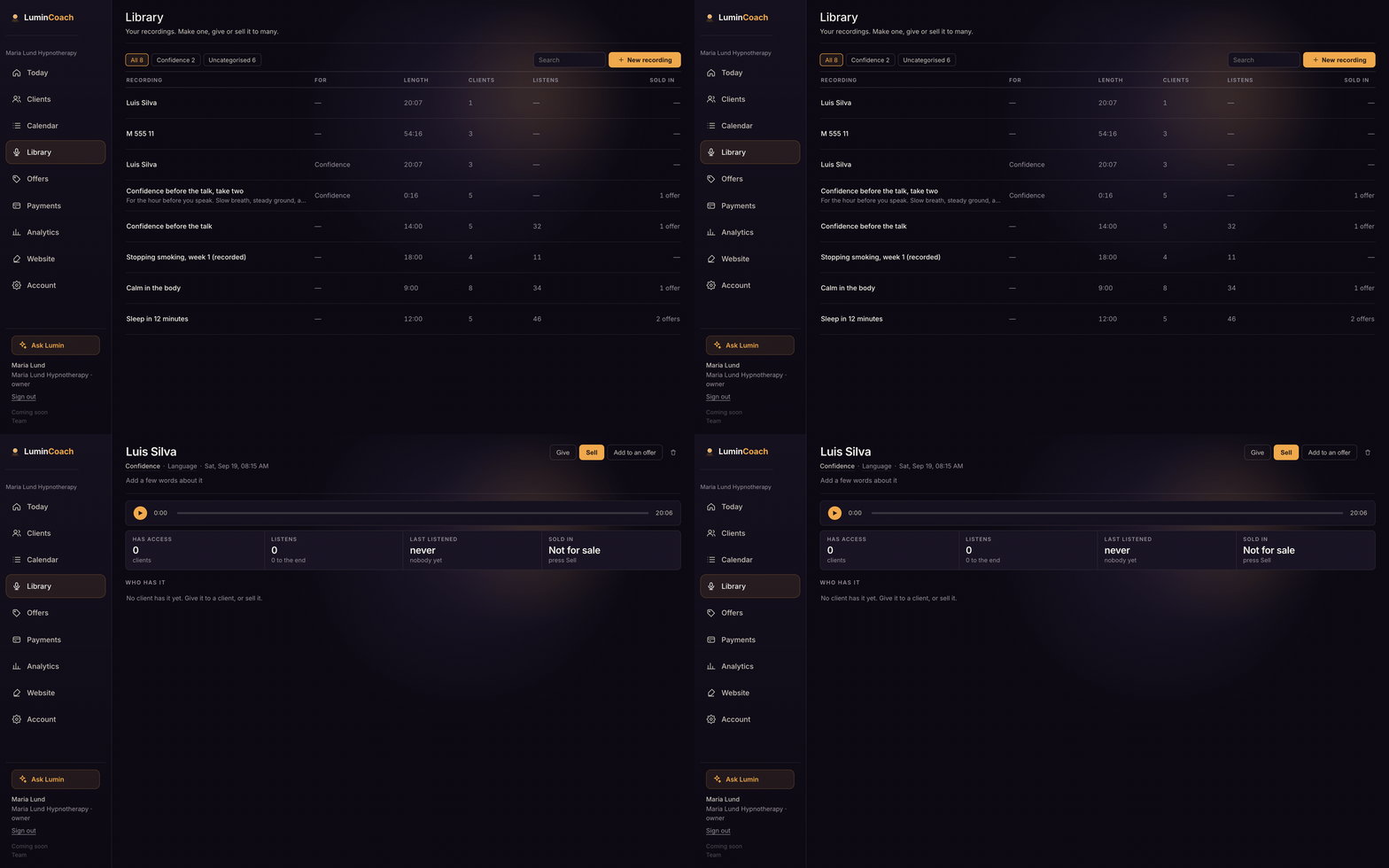
Build your library
- Open Library and choose New recording.
- Write a script and render it in your cloned voice, or upload an audio file you already have.
- It is saved once and ready to reuse.
Recorded somewhere noisy?
Record wherever you are. Upload the file and LuminCoach offers to remove the background noise for you: dogs, traffic, a fan, room hiss. It lifts your voice out and leaves the rest behind. You hear the cleaned version next to the original and keep the one you want, and you can go back to the original any time.
Sessions in your cloned voice are clean already, so this is only for recordings you upload yourself.
Reuse it
From a client's file or the recording's page, give a recording for free or sell it. It appears in that client's space, in your brand and your voice. Take it back any time.